Skip to content

Animated Borders for React and Tailwind

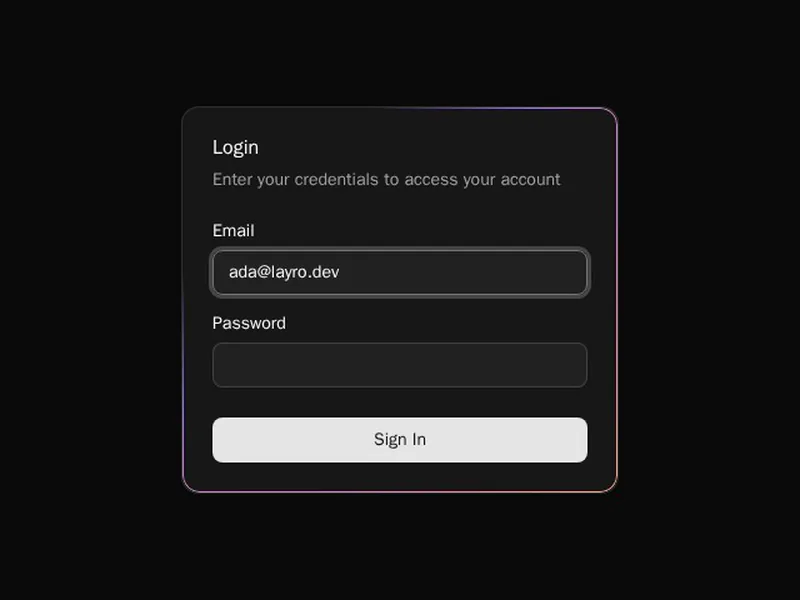
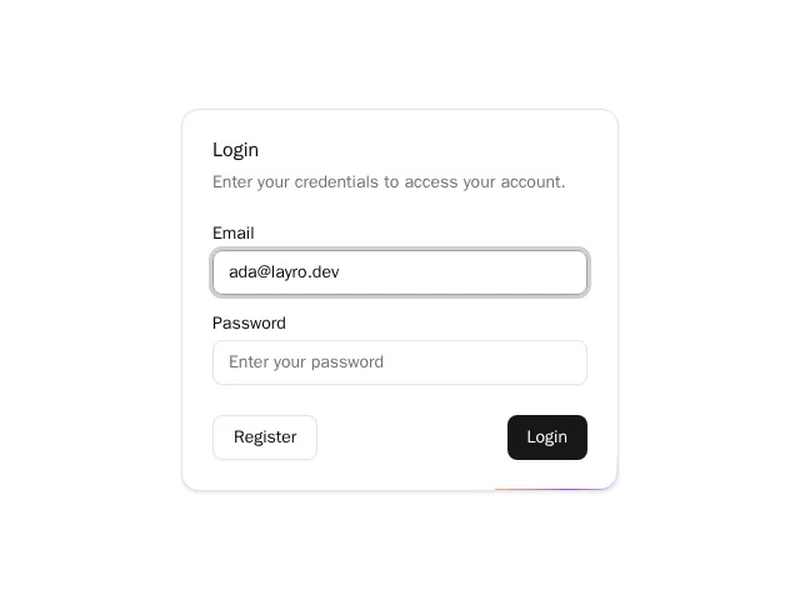
A moving border is a quiet way to say look here. Beams, trails and shine travel around the edge of whatever they wrap, a card, a button or a whole panel, so the content inside stays untouched. Use one per screen at most, or nothing stands out. Preview each effect live, install it with one command, and tune the speed and colour to sit with your brand.
About animated borders

Animated borders move light around the edge of an element: a beam that travels the outline, a trail that follows it, a shine that sweeps across, or a gradient that slowly rotates. They work on cards, buttons, inputs and images, anywhere an edge already exists.

Use them to point at one thing, such as the recommended plan or the main input, not to decorate every card. Match the speed to the mood of the page, slow for calm, quicker for a nudge, and make sure the border still looks finished when the motion is off.

Frequently asked questions

Draw the gradient on a wrapper and the content on an inner layer, or use a mask to cut the middle out of a gradient background, which keeps rounded corners clean. The border components here package that so you only pick the colours and radius.

A bright spot or gradient travels along the edge of an element, usually by rotating a conic gradient behind a mask or moving an offset path. It draws attention to one card or button, so use it on one thing at a time.

Most follow the element's border radius, which is why they use masks and conic gradients instead of plain borders. Set the radius on the component itself so the beam and the corner match.

One or two are cheap, since the animation runs on the GPU. Dozens running at once on a long page add up, so keep them for the element you want noticed.

Layer a blurred copy of a gradient behind the element, or add a coloured box shadow that follows the border's shape. Combine it with a moving gradient for a border that glows and travels.

Tailwind gives you the borders, gradients and keyframe animations; a moving beam also needs a mask or a rotating conic gradient, which these components set up. You keep the colours in your Tailwind theme.

Wrap the card in the border component, or place the beam inside the card's positioned container, and match its radius to the card. Then set the colour and speed to suit the page.

Explore more