Carousels for React and Tailwind
Carousels are easy to get wrong: slides that jump, swipes that fight the page and controls nobody finds. Good ones feel natural under a thumb and stay usable from the keyboard. Try each one on a touch screen if you can. Install one as code you own, then fill it with images, cards or quotes. Show a hint of the next slide so people know there is more.
1 component

About carousels
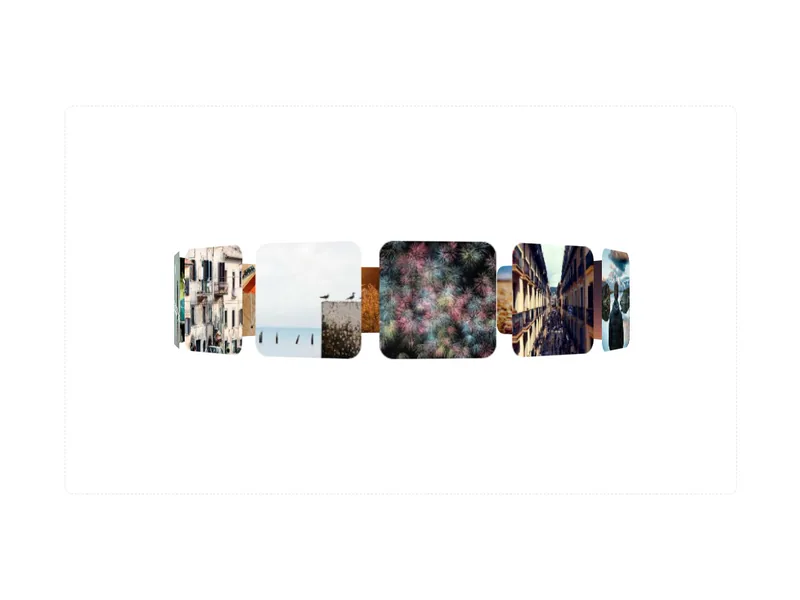
Carousels show a set of images, cards or content one part at a time: sliders with arrows and dots, swipeable rows, 3D rings that rotate, and galleries that loop.
Put the most important item first, since many people never move past it. Support swipe on touch, arrow keys and visible controls, never rotate faster than people can read, and pause automatic movement when someone hovers or focuses it.
Frequently asked questions
Lay the slides out in a horizontally scrolling row and move between them with arrows, dots or swipes. CSS scroll snap gives smooth native swiping, and libraries like Embla add looping and finer control.
Usually not. Auto rotation moves content before people finish reading. If you use it, make it slow, pause it on hover and focus, show a pause button, and turn it off for reduced motion.
Use native horizontal scrolling with scroll snap, so the browser handles the swipe, momentum and edges. It feels right on touch and needs far less code than tracking touch events yourself.
Give it a label, make each slide a group with its position, like 2 of 5, and keep the arrow buttons reachable by keyboard. Hidden slides shouldn't be in the tab order.
Use a flex row with overflow-x-auto and snap-x, give each image snap-center, and add arrow buttons that scroll by one slide. It works with almost no JavaScript.
Place the items around a ring with rotate and translateZ transforms inside a perspective container, then rotate the ring to bring an item forward. Let people drag or use arrows to turn it.
As few as tell the story, usually three to five. Past that, a grid that shows everything at once often works better, since few people swipe through many slides.