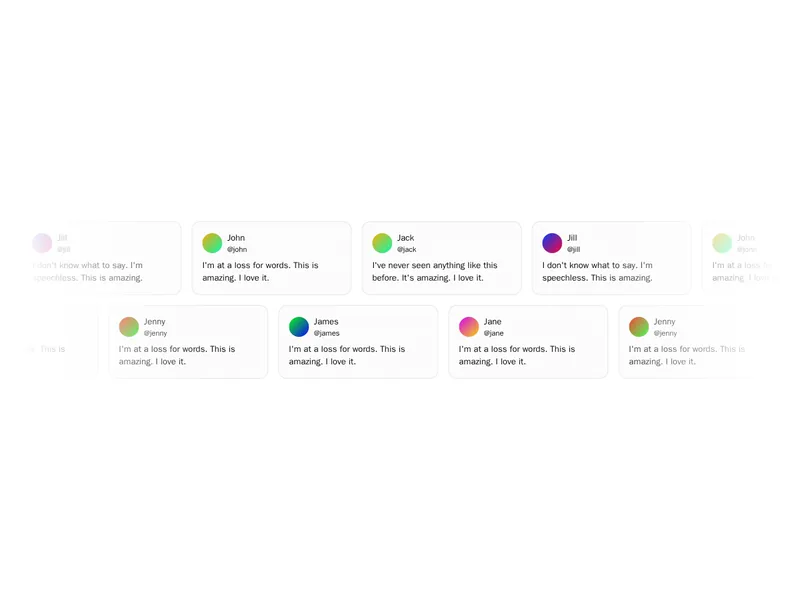
A marquee adds life to a page, as long as it stays in the background. Good ones loop with no visible seam, hold a steady speed and pause when someone reaches for them. Check that they stop for people who prefer reduced motion. Install one as code you own, then fill it with logos, quotes or anything else worth repeating.
Marquees are rows that scroll endlessly: logos, testimonials, product cards or a line of text moving across the screen. Good ones loop without a visible seam, pause on hover and can run in either direction.
Keep the content worth reading at the speed it moves, and duplicate it enough to fill wide screens. Pause the motion for people who prefer reduced motion, and make sure every item is still reachable and readable when the row is still.
Frequently asked questions
Render the content twice in a row and translate the row by exactly one copy's width with a looping CSS animation, so the second copy takes the first one's place without a gap. The marquee components here handle that and the spacing for you.
Set animation-play-state to paused on hover and on focus within, so people can stop it to read or click. It's a small detail that makes logos and testimonials in a marquee usable.
No. The marquee element is obsolete, behaves differently across browsers and can't be paused properly. A CSS animation does the same job, runs on the GPU and respects reduced motion settings.
Yes. The same technique works with translateY, which suits testimonial walls and feeds. Fade the top and bottom edges so items appear and disappear softly.
Put the text in a row, repeat it to fill the width, and animate translateX in a linear loop. Use white-space: nowrap so it stays on one line.
Lay the cards in a row with a fixed gap, repeat the set, and animate the row slowly. Two rows moving in opposite directions fill a section without feeling repetitive.
Base the animation duration on the content's width, so a longer row moves at the same speed as a short one. A setting in pixels per second is easier to reason about than a fixed duration.