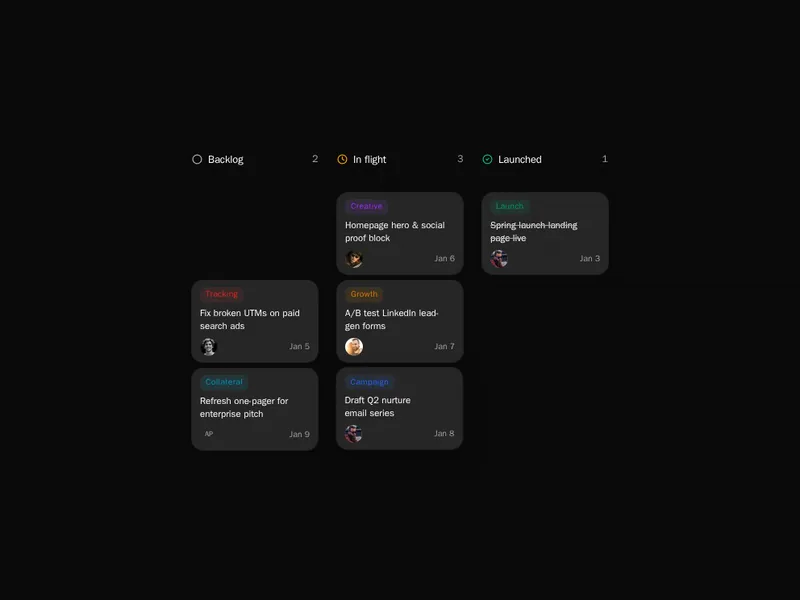
A board turns a list of work into something people can move with their hands. Columns, cards and drag and drop have to feel solid: a card should land where it was dropped, scrolling should still work while dragging, and the keyboard should reach everything too. Try each board live, move a few cards around, then install it and connect it to your own data and states.
Kanban boards organise work into columns, like to do, doing and done, with cards that people drag between them. Good ones animate the move, show counts per column and keep cards readable when they're full of text.
Save the new order the moment a card is dropped, and handle the case where it fails. Make moving a card possible from the keyboard, not only by dragging, and let columns scroll on their own so a long column doesn't push the board off screen.
Frequently asked questions
Model columns and cards as data, render each column as a list, and use a drag and drop library such as dnd-kit to move cards between them. Update the data on drop and save it to your backend.
Support picking up a card with the keyboard, moving it with arrow keys and dropping it with Enter, and announce each move to screen readers. dnd-kit includes this behaviour.
Store a position for each card within its column, update it on drop, and send the change to your server. Update the screen first and roll back if the save fails, so dragging feels instant.
Columns with hundreds of cards should scroll on their own and render only what's visible. Collapsing finished columns and filtering also keep a busy board usable.
dnd-kit is flexible, accessible and widely used for boards and sortable lists. Simpler cases can use the native drag and drop API, but it doesn't work well on touch screens.
Put an add button at the end of each column that opens an inline field, create the card on Enter, and keep the field open for the next one. It makes adding several cards quick.
Show a count and a work in progress limit in the column header, and highlight the column when it goes over. It's a simple way to make bottlenecks visible.