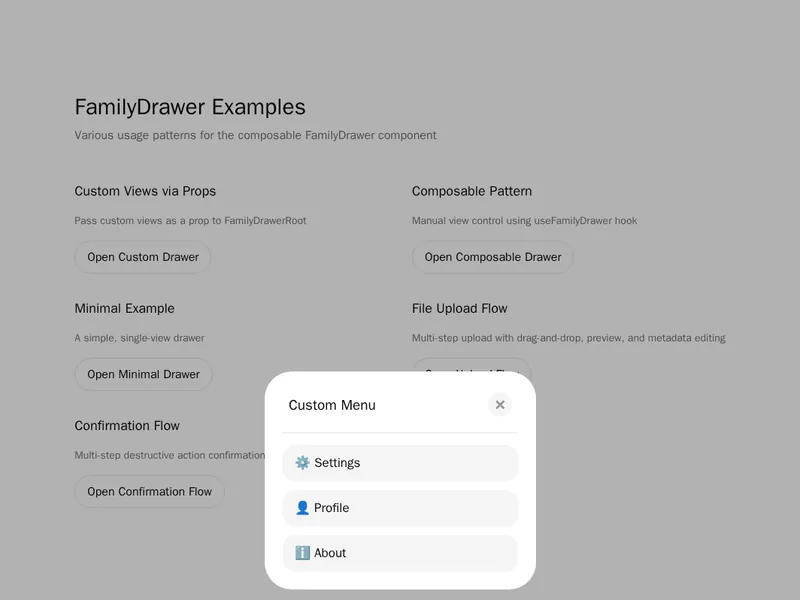
A drawer keeps people in context while showing more detail, which makes it a natural fit for phones and busy dashboards. Check how it opens, how it closes and whether dragging feels right on touch screens. Focus should stay inside while it is open. Install one with a single command, then fill it with your own filters, forms or details.
Drawers and sheets slide in from the edge of the screen: side panels for filters and settings, bottom sheets on phones and nested drawers that stack. They keep people in context while showing more detail.
Use a drawer for a task that relates to the page behind it, and a full page for anything long. Trap focus inside while it's open, close it with Escape and a visible button, and let people swipe it away on touch.
Frequently asked questions
Render a panel fixed to an edge of the screen with an overlay behind it, and slide it in with a transform. Base UI, Radix and Vaul handle focus, Escape and scroll locking; the components here build on that.
Use a drawer for a task tied to the page behind it, like filters or editing a row, where seeing the page still helps. Use a modal for a short decision that needs full attention.
A bottom sheet slides up from the bottom edge, can be dragged to different heights and swiped down to close. It keeps actions within thumb reach, which is why phone apps use it so often.
Move focus into the drawer when it opens, keep it there while it's open, and return it to the trigger when it closes. Close it with Escape and a visible button, and label it for screen readers.
Open a panel from the side or bottom with the site's links when the menu button is pressed, lock the page behind it, and close it on link click, Escape or a tap outside.
Open a second drawer on top of the first, slightly offset, and return to the first when it closes. Keep the stack shallow, since more than two levels gets hard to follow.
Usually yes, for menus and filters. For a drawer with a form in progress, ask before closing or keep it open, so people don't lose what they typed.