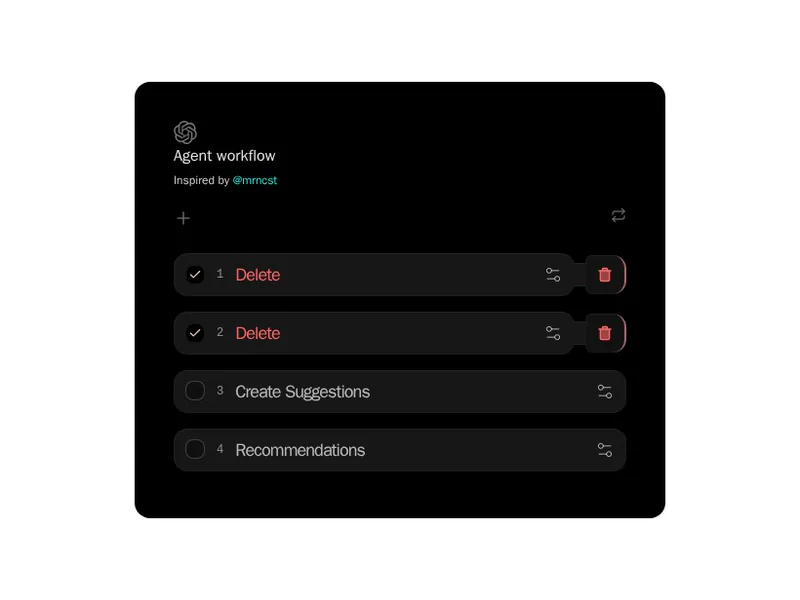
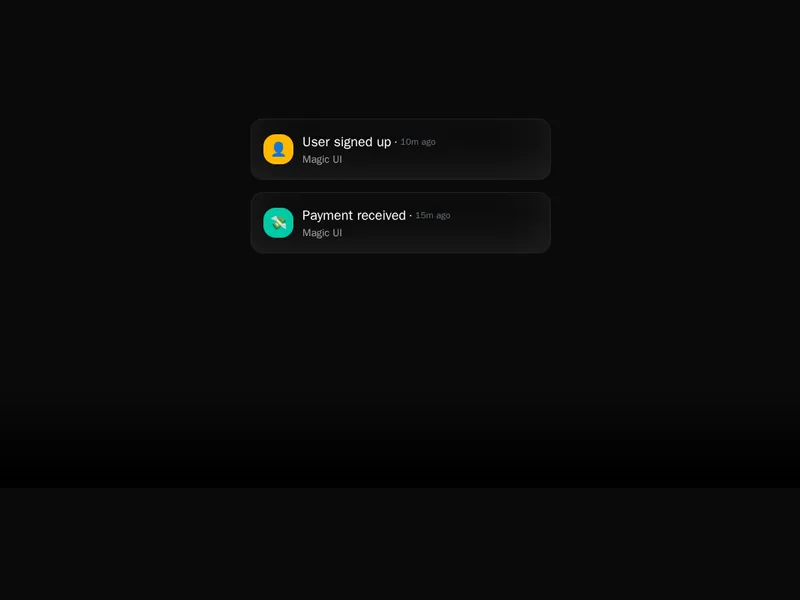
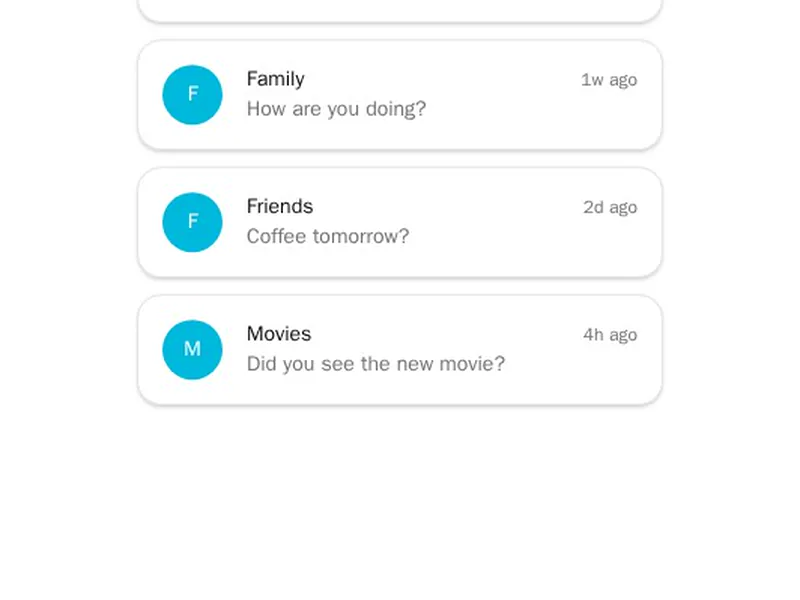
Lists are where most of an interface lives, so small motion goes a long way. These animate new items in, reorder with drag and drop, and keep their place when content changes underneath them. Watch how each one behaves when items arrive quickly, and check that sorting still works from the keyboard. Install it with one command and feed it your own items and rendering.
Animated lists make changes visible: new items slide in, removed ones fade out, and reordered rows move to their new place instead of jumping. Sortable lists add drag and drop, and some lists stagger their items in as they enter the screen.
Use animation to explain what changed, like a new message or a moved task, rather than to decorate a static list. Keep durations short so a busy list never lags behind the data, give every item a stable key, and make reordering work from the keyboard as well as the mouse.
Frequently asked questions
Give each item a stable key and wrap the list in a component that animates mounts and unmounts, such as Motion's AnimatePresence. The list components here already handle enter, exit and reorder, so items slide into place instead of jumping.
Use a library built for it, like dnd-kit, or a component that wraps one, and save the new order when a drag ends. Make sure the list can also be reordered from the keyboard, not only with a mouse.
Animated lists are best for dozens of items, not thousands. For very long lists, render only what's on screen with a virtualised list and keep animations for the items people interact with.
Yes. Pass the array as a prop and let the component animate the changes when it updates. Keep each item's key tied to its id, not its position, so the right item animates.
Wrap the list in AnimatePresence, give each item a motion element with a stable key, and set enter and exit animations. Add layout to items so the rest of the list slides smoothly when one is added or removed.
Delay each item's entrance by a little more than the one before, for example with Motion's staggerChildren. Keep the delay short, around 30 to 60 milliseconds, so a long list doesn't take seconds to appear.
Let people drag an item sideways, reveal the delete action behind it, and remove it past a threshold. Always offer another way to delete, like a button or menu, for people who don't swipe.