Developers judge a product by how its code looks. A good code block has readable highlighting, a working copy button and sensible handling of long lines. Check it in both themes, since syntax colours often fail in one. Install one as code you own, then use it across your docs, posts and landing pages. Line numbers and file names help when a snippet runs long.
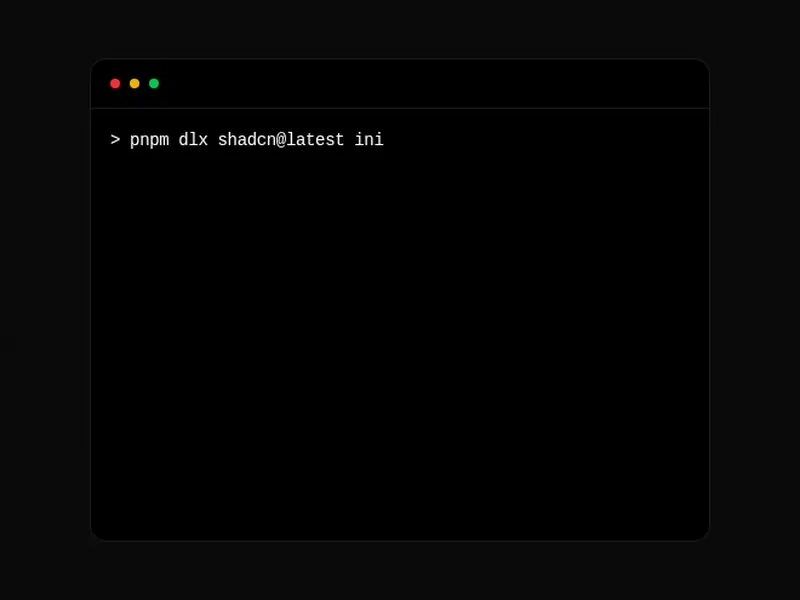
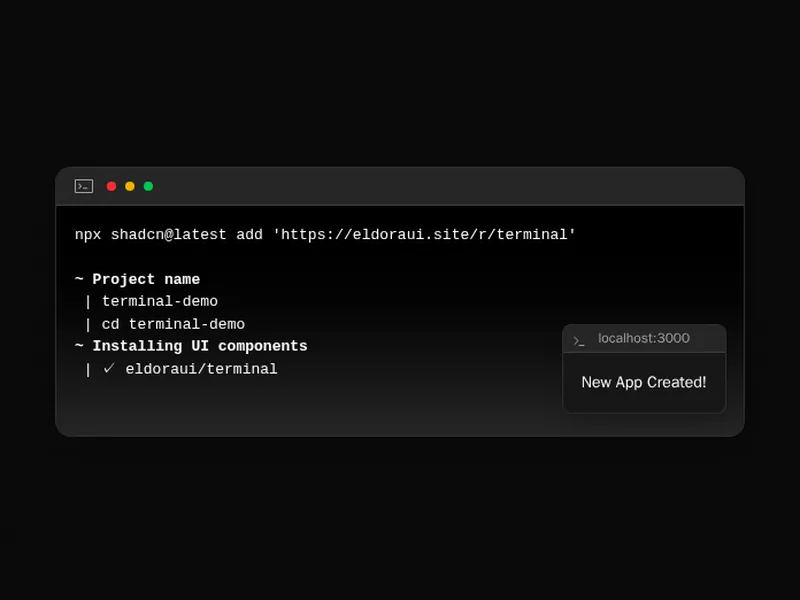
Code blocks show source code people read and copy: syntax highlighting, line numbers, file names, tabs for different package managers and a copy button. Terminal components show commands and output, sometimes typing them out line by line.
Pick a highlighter theme that matches your site in both light and dark, and keep long lines readable by scrolling them sideways rather than wrapping. Test the copy button from the keyboard and on a phone, and make sure it copies exactly what's shown, without line numbers or prompts.
Frequently asked questions
Use a highlighter such as Shiki, Prism or sugar-high, which turns code into coloured spans, either at build time or in the browser. The code block components here wrap one with the frame, file name and copy button, so you pass the code and its language.
Call navigator.clipboard.writeText with the raw code, not the highlighted HTML, and show a short confirmation like a check mark. Make the button reachable from the keyboard and give it a label, since an icon alone says nothing to a screen reader.
Usually not. Wrapped code is hard to read and copy correctly, so let long lines scroll sideways inside the block. Wrapping can help for prose-like content such as terminal output or long commands on a phone.
Use a tabbed code block with one tab per package manager, and remember the reader's choice so every block on the page switches together. Keep the commands equivalent, since pnpm dlx, npx and bunx don't take quite the same flags.
Number each line with a CSS counter or a column of numbers beside the code, kept out of the copied text. Line numbers help when you refer to a line, but add clutter to short snippets.
Draw a window frame, a prompt and lines of output in a monospace font, and type commands out with a short delay if you want motion. Keep the commands real and copyable.
Shiki gives accurate, editor quality colours and suits server rendering; Prism is small and widely used; sugar-high is tiny and fast for simple cases. Pick by where the highlighting runs and how much code you show.