Uploading is where people worry something will go wrong. A good component shows what was picked, how far along it is and what failed, with a clear way to try again. Drag and drop should never be the only option. Install one with a single command, then connect it to your own storage and file limits. State size and format limits before anyone starts.
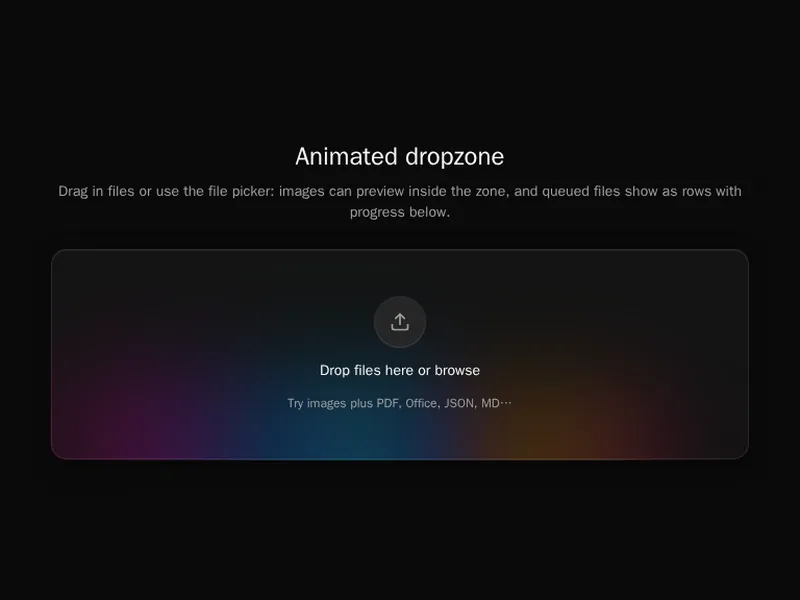
File upload components let people add files: drag and drop zones, buttons that open the file picker, previews of images, progress bars and lists of uploaded files with remove buttons.
Say which file types and sizes are accepted before someone tries, and check them again on the server. Keep a regular file picker available for keyboard and touch users, and show progress and errors per file, not just for the whole batch.
Frequently asked questions
Listen for dragover and drop on a zone, read the files from the drop event, and keep a hidden file input for clicking and keyboard use. Show the files in a list as they upload.
Upload each file with XMLHttpRequest or a library that reports progress, and show a bar per file. With fetch you'll need a stream or a library, since it doesn't report upload progress directly.
Create an object URL from the file with URL.createObjectURL and use it as the image's src, then revoke it when the preview goes away. It's instant and doesn't need the server.
Set the accept attribute and check the type and size in your code before uploading, with a clear message when a file doesn't fit. Always check again on the server, since browser checks are easy to bypass.
Add the multiple attribute to the file input, accept several files on drop, and upload them one by one or in parallel with their own progress. Let people remove a file before it finishes.
Ask your server for a short lived signed upload URL, then send the file straight from the browser to that URL. The file never passes through your server, which keeps uploads fast.
Let people pick an image, show it in a cropping tool with a fixed aspect ratio, and upload the cropped result as a new file. Keep the original until the crop is confirmed.