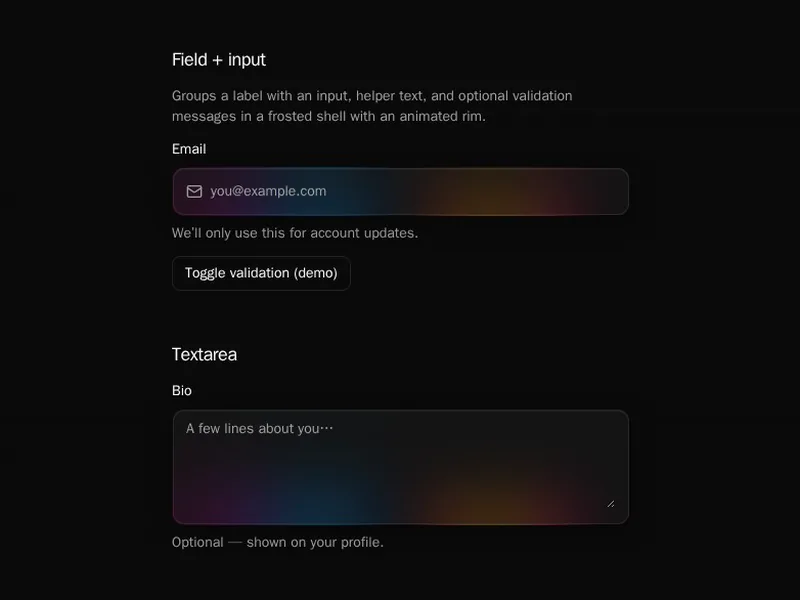
Forms are where people give up, so each one has to feel short and forgiving. Clear labels, helpful errors and sensible order matter more than decoration. Try submitting each one with mistakes, because that is what real people do. Install one as code you own, then connect your own validation and backend. Group related fields together, and never ask for anything you won't use.
Form components bring fields together into something people complete: sign-up and contact forms, multi-step flows, and layouts with labels, help text, validation and a submit button that shows its progress.
Ask only for what you need, label every field, and validate when someone leaves a field rather than on every keystroke. Show errors next to the field in plain words, keep what people typed when something fails, and make the form work from the keyboard alone.
Frequently asked questions
For small forms, controlled inputs or a native form with server actions are enough. For bigger ones, React Hook Form with a schema library like Zod handles validation and performance well. The form components here work with either.
Describe the rules once in a schema, check fields when people leave them and the whole form on submit, and show each error next to its field. Validate again on the server, which is the check that counts.
Split the fields into steps, keep all values in one place, validate each step before moving on, and show where people are. Let them go back without losing what they typed.
Give every field a visible label, link errors to their fields with aria-describedby, move focus to the first error on submit, and make sure the whole form works with the keyboard alone.
Collect name, email and message with labelled fields, validate them, and send them to your server or a form service on submit. Show a clear success message and keep the fields on error.
Add a hidden honeypot field, rate limit submissions on the server, and use a challenge like Cloudflare Turnstile for forms that attract bots. Check everything on the server, never only in the browser.
Labels, always. Placeholders can show an example of the format, but they vanish when people type and are often too low in contrast to read.