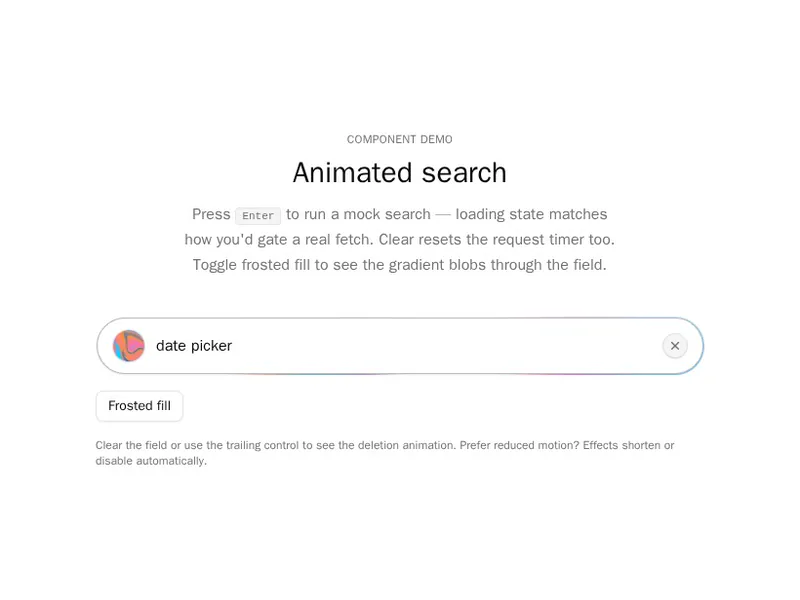
Search is how impatient people use your product. A good search bar is easy to spot, responds quickly and handles empty results kindly. Suggestions and clear buttons help, as long as they work from the keyboard. Try each one with a long query before you commit. Install one as code you own, then connect it to your own search. Clear the field in one click.
Search bars are where people look for things: a field with an icon, suggestions as you type, recent searches, filters and a keyboard shortcut to open them. Some expand from an icon, others open a full command palette.
Show results fast and keep the field focused while people type. Make Enter search, Escape close and arrow keys move through suggestions, and show something helpful when nothing matches rather than an empty box.
Frequently asked questions
Keep the query in state, debounce it while people type, and fetch or filter results as it changes. Show results in a list under the field, with the query highlighted, and a clear button to start over.
Fetch suggestions for the current text after a short pause, show them in a listbox under the input, and let arrow keys move through them with Enter to pick one. The combobox pattern gives screen readers the right roles.
Listen for keydown on the window, check for the K key with metaKey or ctrlKey, prevent the default and focus or open your search. Show the shortcut as a hint inside the field so people find it.
Say that nothing matched the query, suggest a spelling or a broader term, and offer a way forward such as browsing categories. An empty list with no message looks like the search broke.
Show a search icon button that grows into a field when pressed, focusing the input as it opens. Collapse it again on Escape or when it's empty and loses focus.
Put filter controls beside or below the field, keep them in the URL with the query, and show active filters as removable chips. Update results as filters change, like the query.
For small local lists, yes. For server search, wait a few hundred milliseconds after typing stops, and cancel older requests so a slow answer never replaces a newer one.