Empty States for React and Tailwind
An empty screen is often the first thing a new user sees. A good empty state says why nothing is here and gives one clear next action, so it teaches instead of apologising. Try each one in the real space it will fill, from a small panel to a whole page. Install one and write words that fit your product.
1 component
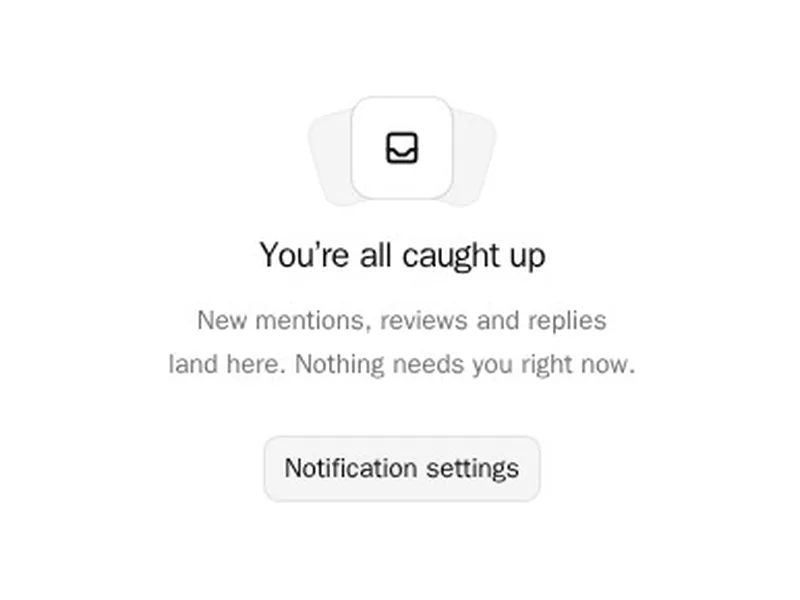

About empty states
Empty states are what people see before there's anything to show: a new account, a search with no results, a cleared inbox. A good one explains why it's empty and offers the next step.
Write for the specific moment, since a first visit and a failed search need different words. Offer one clear action, like creating the first item or clearing filters, and keep any illustration small enough that the message stays first.
Frequently asked questions
It says why there's nothing here, what will appear once there is, and gives one action to get started. A friendly line and a small illustration help, but the action does the real work.
A first visit needs encouragement and a way to create the first item. A search with no results needs help with the query: check the spelling, remove a filter, or browse instead.
They can, as long as they're small and don't push the message and action below the fold. Keep them consistent in style across the product, and hide them from screen readers if they're decoration.
Yes, it's one of the best places to. Show what the screen will look like with content, or offer sample data to explore, so people understand the feature before they put work in.
Repeat the query, say nothing matched, and offer specific next steps: check the spelling, try a broader word, clear filters, or browse popular items.
Show the layout people will get, with placeholder cards that explain what each will show and a clear first action. Sample data can help people see the value before they add their own.
A light touch can work for low stakes moments like an empty inbox. For errors or blocked work, plain and helpful words are kinder than a joke.