AI Chat UI for React and Tailwind
Chat looks simple until messages stream, code blocks overflow and the thread needs to hold its scroll position. These components solve those problems for assistant interfaces: message lists, bubbles, threads and full layouts. Watch each one run, then check how it handles long replies and small screens. Install with one command, or ask your coding agent to wire it into your app and connect your own model.

About AI chat UI
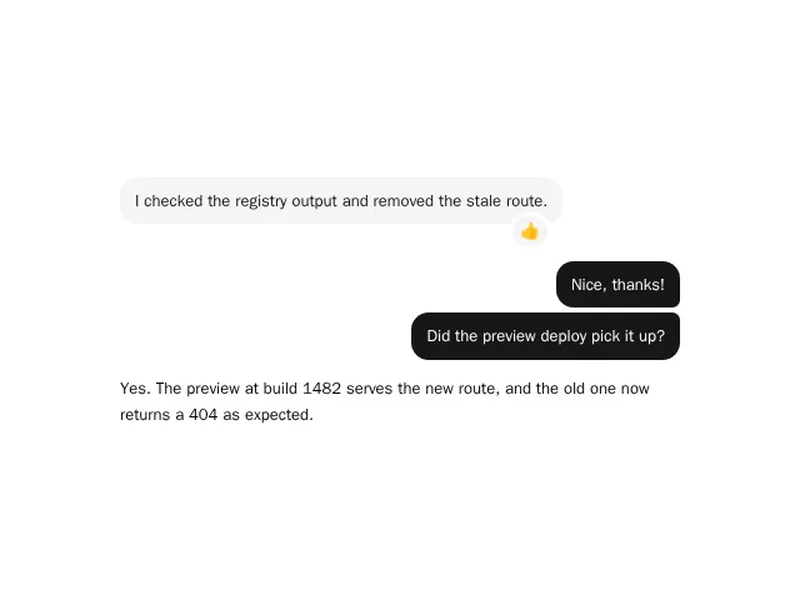
AI chat components are the conversation itself: message bubbles for the user and the assistant, threads that keep their place while new text streams in, avatars, timestamps and the actions under each reply such as copy, retry, edit and feedback. Some are single messages, others whole layouts with a history sidebar.
Test them with real conversations, not tidy demos. Long code blocks, tables, very short and very long replies and slow streaming all expose weak layouts. Keep the view pinned to the newest message while people are at the bottom, and stop following as soon as they scroll up to read.