Skip to content

Resizable Panels for React and Tailwind

Some layouts belong to the person using them. Resizable panels let people drag a divider to give the editor more room, shrink a sidebar or split a view in two. The details matter: a handle big enough to grab, keyboard support, sizes that remember themselves and panels that collapse cleanly. Try dragging each one here, then install it and lay out your own app around it.
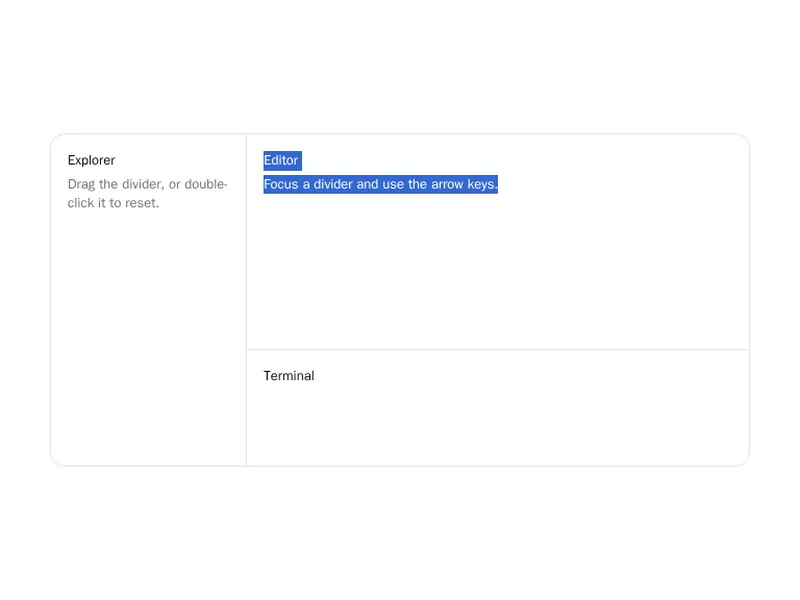
About resizable panels

Resizable panels split a screen into areas people can size themselves by dragging the divider between them. Editors, mail clients, dashboards and AI apps with a chat beside a preview all use them, horizontally, vertically or nested, often with panels that collapse when dragged small.

Make the handle easy to grab with a hit area wider than the line, support the arrow keys for keyboard users, set sensible minimum sizes and save the layout so it survives a reload. On phones, stack the panels or switch between them with tabs instead of dragging.

Frequently asked questions

Use a library such as react-resizable-panels, which handles dragging, keyboard support, minimum sizes, collapsing and saving layouts. shadcn's Resizable component is built on it.

Store the sizes in local storage or a cookie when dragging ends and read them on load. Reading from a cookie on the server avoids a jump on first paint.

Yes. Give a panel a collapsed size and a threshold, and it snaps shut when dragged past it. Offer a button to reopen it, since a collapsed panel is easy to lose.

Give it a separator role with its current value, make it focusable and let the arrow keys move it in small steps. Show a clear focus style on the handle.

Dragging a thin divider is awkward with a thumb. Stack the panels vertically or show one at a time with tabs, and keep resizing for larger screens.

Yes, for layouts like a sidebar beside an editor that is itself split into code and preview. Keep nesting shallow so the dividers stay easy to tell apart.

Iframes swallow pointer events, so dragging stops when the pointer crosses one. Disable pointer events on iframes while a drag is in progress.

Explore more