Range Sliders for React and Tailwind
A slider is great for rough choices and poor for exact ones, so show the value clearly. Good ones have a generous grab area, work with arrow keys and feel right on touch screens. Drag each one quickly to see if it keeps up. Install one with a single command, then connect it to your own settings. Label both ends so the range is clear.
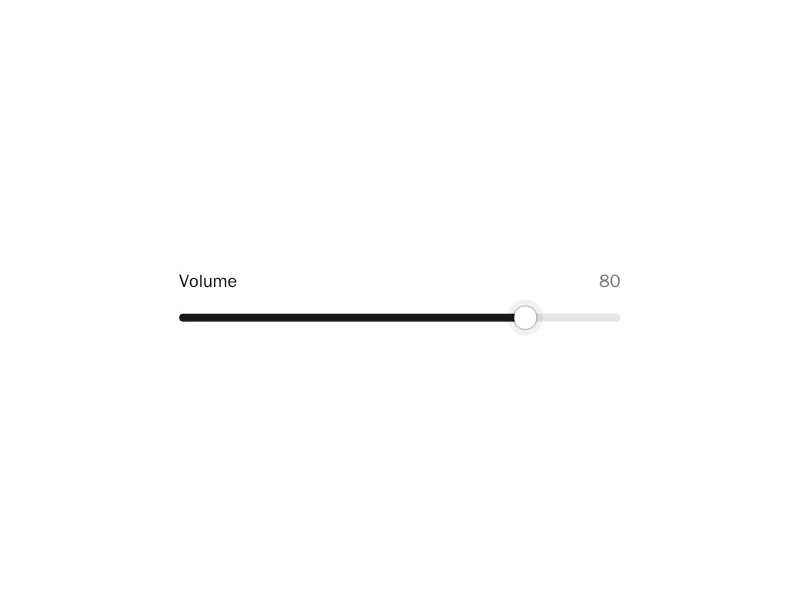

About range sliders
Sliders pick a value by dragging a thumb along a track: volume, price ranges, brush sizes, zoom. Range sliders have two thumbs for a minimum and maximum, some show marks and labels along the track, and many pair with a number input for precise entry.
Use a slider when the exact number matters less than the feel of more or less, and pair it with an input when precision matters. Make the thumb large enough to grab, support the arrow keys and Page Up and Down, and show the current value while dragging.