Sidebars for React and Tailwind
A sidebar holds the whole shape of your app, so it has to keep working as features pile up. Look for clear active states, room for nested items and a collapsed mode that still makes sense. Check what happens on a phone too. Install one with a single command, then add your own routes and icons. Keep the most used pages near the top.

About sidebars
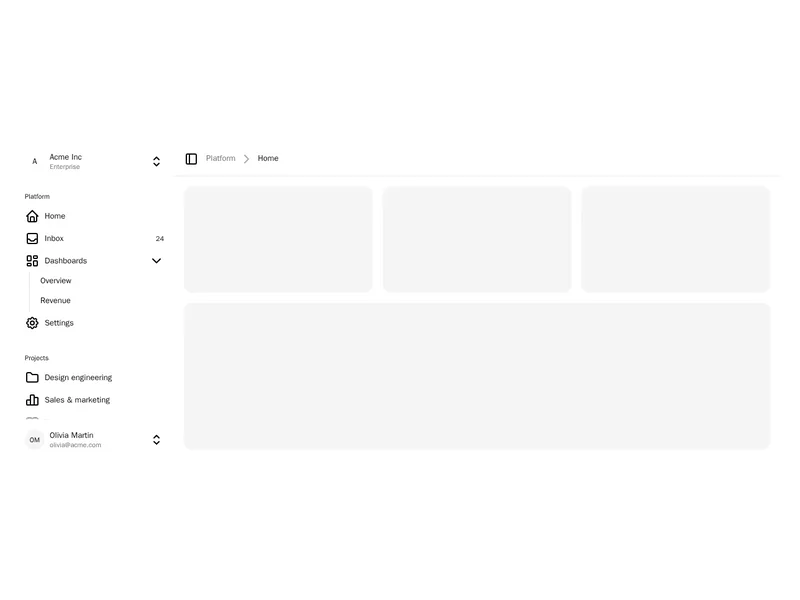
Sidebars are the main navigation of an app, running down one side of the screen. They hold sections of links with icons, a workspace or account switcher, search and a user menu, and many collapse to a rail of icons or slide away entirely to make room for content.
Keep the main sections few and labelled plainly, show where people are, and remember whether the sidebar was collapsed. On phones turn it into a drawer opened from a menu button, and make sure collapsed icons have tooltips and accessible names.