Skip to content

AI Response UI for React and Tailwind

An answer from a model is more than a block of text. People want to see it stream, follow the reasoning, check the sources and know which tools ran along the way. These components show all of that without turning the thread into a wall of noise. Watch how each one handles a long answer and a slow one, then install it and point it at your own model's output.

About AI response UI

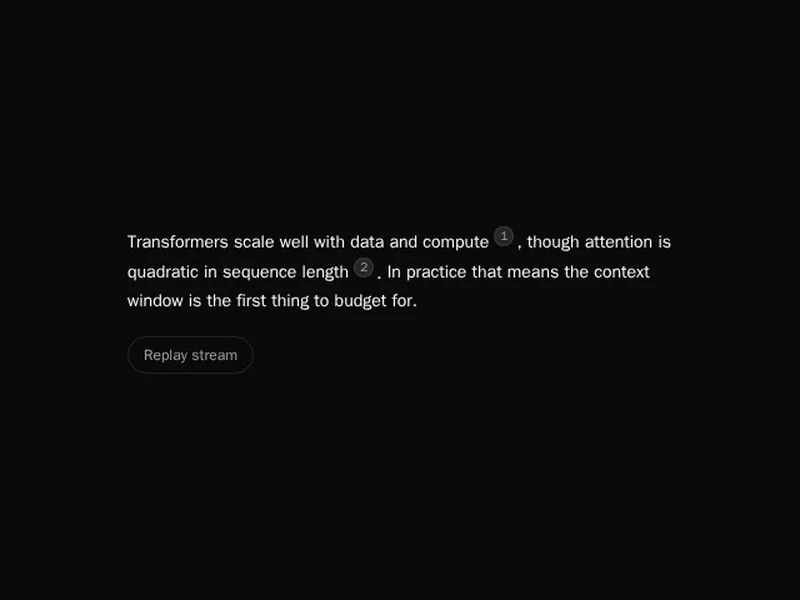
AI response components render what a model sends back: text that streams in word by word, markdown with headings, tables and code, a collapsible reasoning section, numbered citations with their sources and inline markers that link a claim to where it came from.

Render partial markdown safely while it streams, so half a table or an open code fence doesn't break the layout. Keep reasoning collapsed by default, make sources easy to check, and let people copy a whole answer or a single code block without selecting by hand.

Frequently asked questions

Read the response as a stream and append each chunk to the message as it arrives. The Vercel AI SDK's useChat or streamText handle this, giving you the growing text and a status to render.

Use a renderer that tolerates incomplete input, closing open code fences and tables on the fly, and memoise finished blocks so only the last one re-renders as text arrives.

Put it in a collapsible section above the answer, labelled with how long the model thought. Stream it while it runs, then collapse it once the answer starts.

Number each citation inline and list the sources below with title, site and link. Hovering or tapping a number should preview the source it points to.

A gentle fade on each new chunk smooths the arrival without slowing reading. Avoid typewriter effects that hold text back once it has already arrived.

Highlight them by language, add a copy button and a language label, let long lines scroll inside the block and keep the block's width within the message.

Keep what already arrived, mark the message as interrupted and offer a retry that continues or regenerates it. Don't silently replace partial text with an error.

Explore more