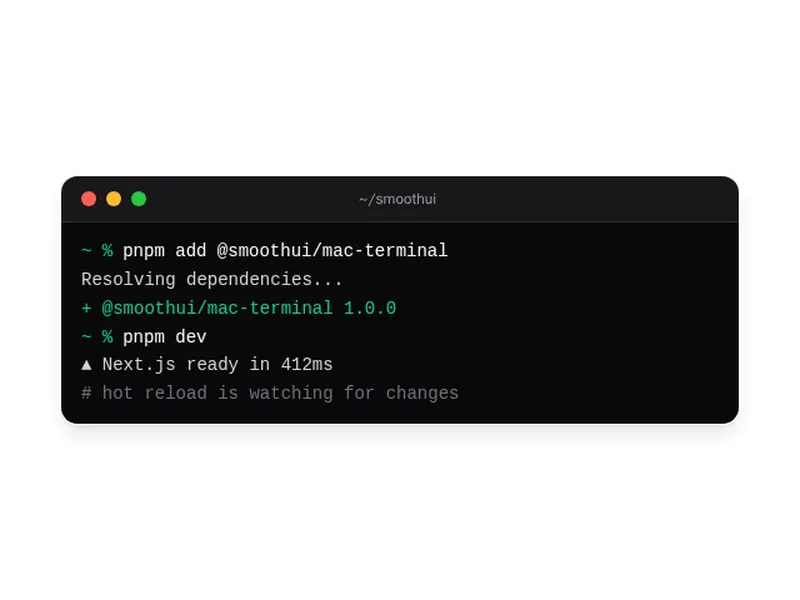
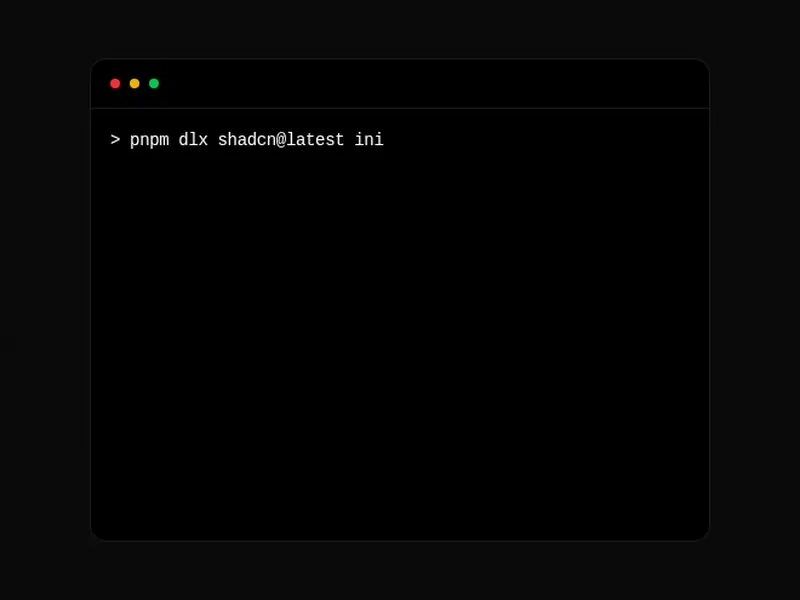
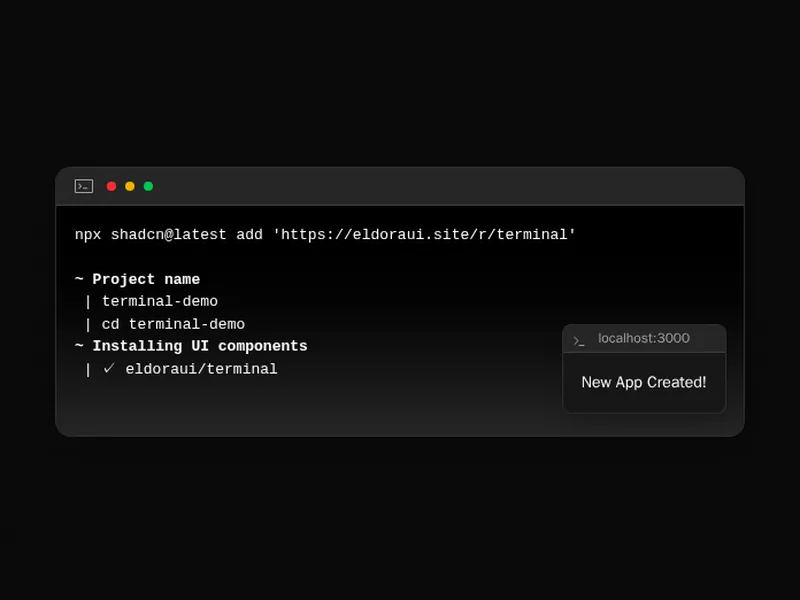
A terminal on a landing page shows how a tool works before anyone installs it. The best ones use real commands, type at a readable pace and leave the output on screen long enough to read. Check them on a phone, where long lines break first. Install one as code you own, then script it with your own commands. Keep the session short and end on the result.
Terminal components draw a command line inside a web page: a window with a title bar, a prompt, the commands someone runs and the output they get back. Many type the commands out character by character and reveal each line of output after a short pause, which is how a landing page shows an install or a CLI at work.
Use real commands that work if someone copies them, and keep the text selectable rather than drawn into an image. Make sure the typing respects reduced motion by showing the finished output at once, and check that long lines scroll inside the window instead of pushing a phone's page sideways.
Frequently asked questions
Draw a window frame with a title bar, then render a prompt and lines of output in a monospace font. Keep the commands as plain text so people can select and copy them, and add a typing effect only if you want motion.
Reveal each command one character at a time with a short timer, then show its output after a pause. Drive it from a list of lines, so changing the script never touches the animation, and stop the timers when the component unmounts.
Play it once when it scrolls into view and leave the finished output on screen. A loop that clears and retypes forever pulls the eye away from the rest of the page and makes the commands hard to copy.
Check the prefers-reduced-motion media query and, when it is set, render every line straight away with no typing or blinking cursor. The commands still read the same, and nobody has to wait for them.
Not a real one on the visitor's machine. A terminal component only displays text. For an interactive terminal, xterm.js renders the screen and a server or WebContainer runs the commands behind it, which is a much bigger job.
A code block shows source code to read and copy, with syntax colours and a copy button. A terminal shows a session: commands at a prompt and what came back, usually in a window frame and often typed out.
A monospace font, so columns of output line up the way they do in a real shell. Use the same one as your code blocks to keep the page consistent, and keep the size readable on a phone.