Skip to content

Prompt Suggestions for React and Tailwind

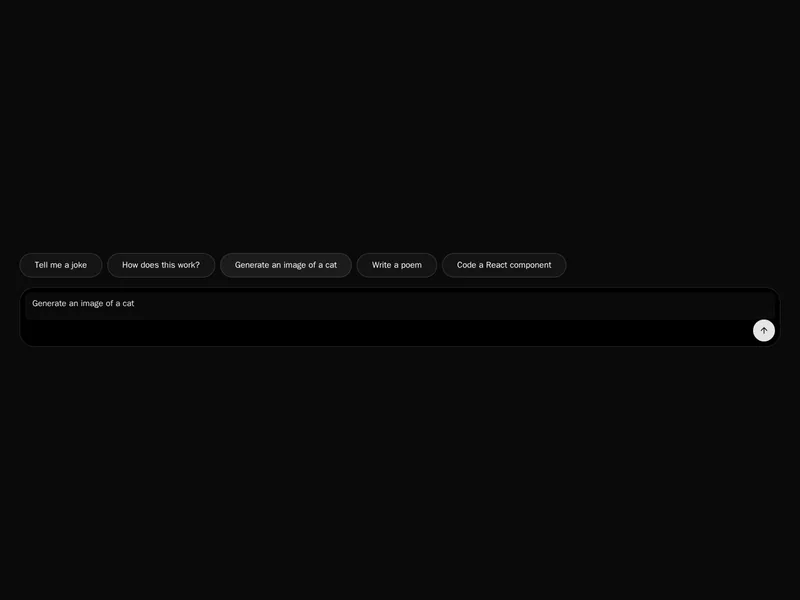
An empty prompt box is a hard place to start. Suggested prompts give people a first click, show what the product is good at and keep the conversation going with follow-up questions after each answer. These rows, chips and cards are built to be scanned in a second and tapped on a phone. Preview how each one wraps on a narrow screen, then install it and write prompts your own users would ask.
About prompt suggestions

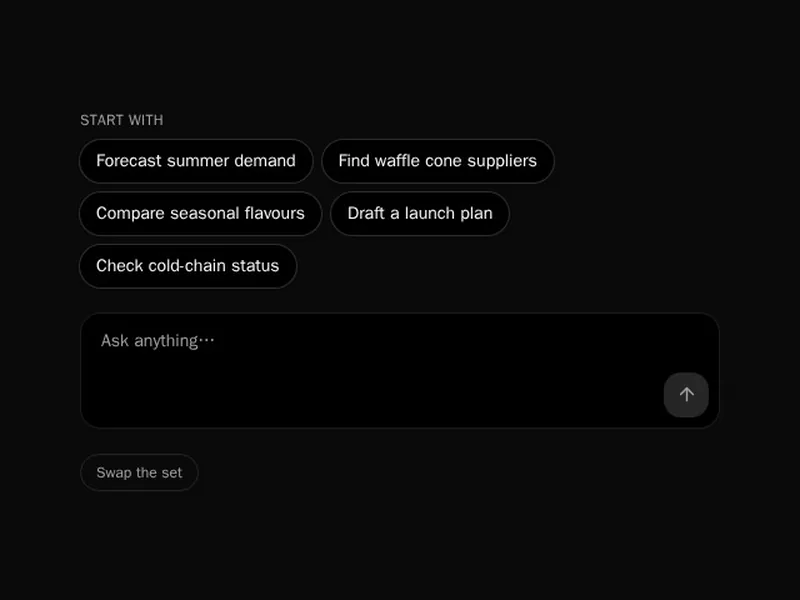
Prompt suggestion components give people something to click instead of a blank box: starter prompts on an empty chat, chips above the composer, cards grouped by task, and follow-up questions under each answer that carry the conversation forward.

Write suggestions that show what your product does best, not generic examples, and keep each one short enough to read at a glance. Filling the composer for editing is often better than sending straight away, and follow-ups should come from the answer people just read.

Frequently asked questions

Ready made prompts shown as buttons or cards that people can click to start or continue a conversation. They help new users see what the assistant can do.

Fill the input when people are likely to adjust it, and send it straight away for follow-ups that are complete as written. Be consistent within one product.

Ask the model for a few short follow-ups along with its reply, as structured output, and render them as buttons under the message once it finishes.

Three or four is usually enough to scan without reading. More than six turns into a menu and people skip it.

On the empty chat screen, near the composer, where people are deciding what to type. Hide them once the conversation has started.

Let them wrap onto two lines or scroll sideways in a single row. Keep each chip's text short so it fits without truncating mid word.

Yes. Base them on recent work, the page they came from or their role, and fall back to good general examples when you know nothing yet.

Explore more