Skip to content

Voice Assistant UI for React and Tailwind

Talking to software only works when people can see that it is listening. These components handle the voice side of an assistant: microphone buttons, live waveforms that follow the sound, transcripts that fill in as words land and controls for muting or ending a call. Check how each one reacts to silence as well as speech. Install it, then connect it to your own speech or realtime voice API.
About voice assistant UI

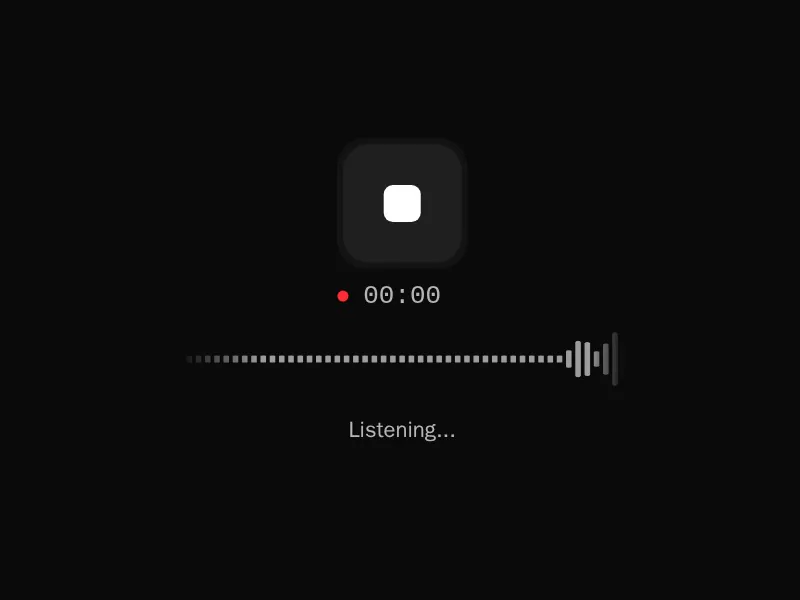
Voice AI components are the visible side of talking to an assistant: a microphone button that shows when it's listening, waveforms and bars that move with the sound, live transcripts that fill in as words are recognised, and call controls for muting, switching devices and hanging up.

Make the listening state impossible to miss and ask for microphone access only when people press the button. Show what was heard so mistakes can be caught, handle silence and interruptions gracefully, and always offer a text alternative for people who can't speak to it.

Frequently asked questions

Ask for the microphone with getUserMedia when people press a button, then stream the audio to a speech to text service or a realtime voice API, or use the browser's Web Speech API for quick prototypes.

Connect the microphone stream to a Web Audio AnalyserNode, read frequency or time data on every animation frame and draw bars or a line on a canvas.

Combine a call button, a visual for listening and speaking states, a live transcript and controls to mute and end. Connect them to a realtime voice API that streams audio both ways.

With an obvious change: the mic button lights up, a waveform moves with the voice and a label says Listening. Mute should look just as different.

Yes. It lets people check what was heard, copy it and follow along in noisy places, and it makes the conversation accessible to people who can't hear it.

Explain why the microphone is needed before asking, detect a denied permission and show how to allow it in the browser's settings, and keep a text input available.

Keep listening during playback and stop the audio as soon as speech is detected, a pattern called barge in. Most realtime voice APIs support it directly.

Explore more