Skip to content

Onboarding Flows for React and Tailwind

Onboarding decides whether someone stays, and every extra step costs you people. The best flows show progress, let you skip ahead and get to something useful quickly. Walk through each one as a new user would, on a small screen as well. Install one as code you own, then cut every step your product doesn't truly need. Ask only for what you need right now.
About onboarding flows

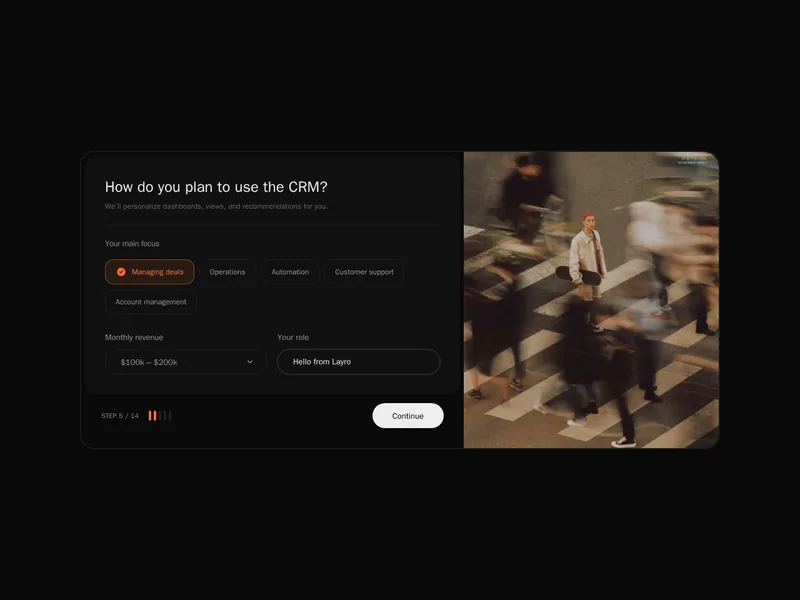
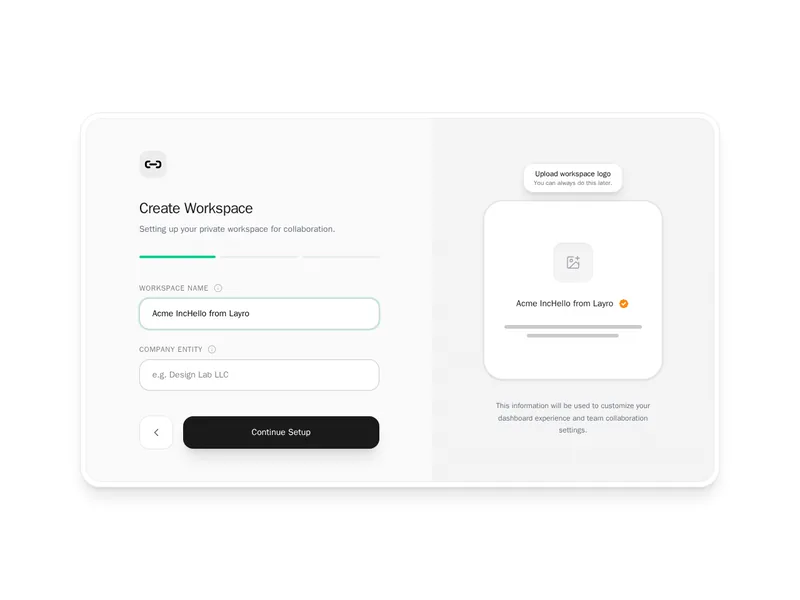
Onboarding components guide new users to their first success: welcome screens, short multi step setup forms, product tours that point at parts of the interface, checklists of first tasks with progress, and empty states that suggest the next step.

Ask only what changes the experience, let people skip what they can do later, and get them to the moment the product proves itself as fast as possible. Tours should be short and dismissible, and checklists should reflect real progress, not invented tasks.

Frequently asked questions

Break it into short steps with a progress indicator, keep the answers in state or the URL, save at the end and send people straight into the product.

Highlight one part of the interface at a time with a popover explaining it and Next and Skip buttons. Libraries such as Driver.js or React Joyride handle positioning.

When people start skipping. Three to five short steps is common. Anything not needed at the start can wait until it's relevant.

A short list of first tasks, such as invite a teammate, that ticks off as people complete them and shows progress until the product is set up.

Yes. Some people know what they want. Let them skip and offer the guide again later from a help menu.

Track how many new users complete each step and reach the key action that predicts they'll stay, and look for the step where most drop out.

Only ones you'll use, such as role or goal to tailor examples. Every extra question delays the first useful moment.

Explore more