Skip to content

Toast Notifications for React and Tailwind

A toast confirms something happened without stopping the work. Good ones stack neatly, pause when you hover and stay long enough to read. Fire several at once to see how each one copes. Screen readers need to hear them too, so check that as well. Install one with a single command and connect it to your own actions. Keep them short and easy to dismiss.
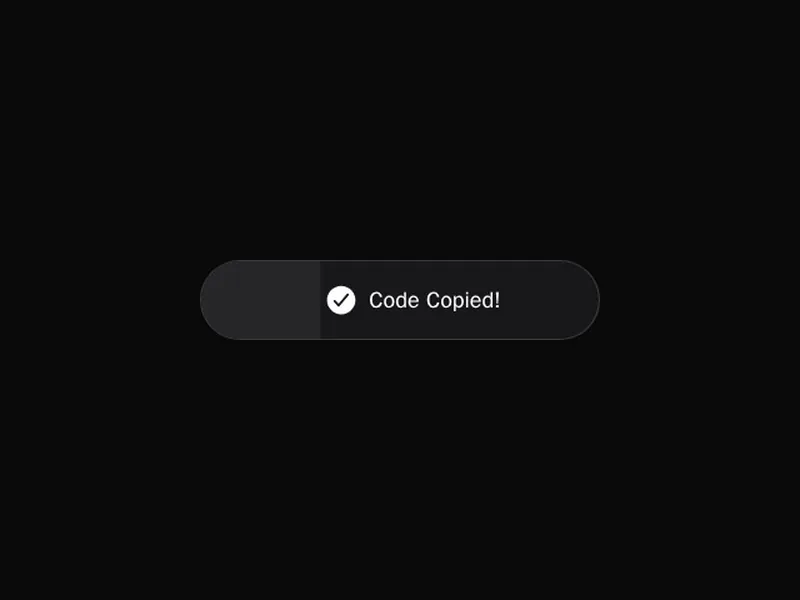
About toast notifications

Toasts are brief messages that appear in a corner, confirm what just happened and fade away on their own: saved, copied, sent, something went wrong. They can stack, expand on hover, carry an action such as Undo, show a promise moving from loading to done, and be swiped away on touch.

Keep them short and use them for feedback that doesn't need an answer. Anything that needs a decision belongs in a dialog, and errors that block work belong next to the thing that failed. Give actions enough time, and pause the timer on hover and focus.

Frequently asked questions

Sonner is a popular choice, small and well designed, and it's what shadcn uses. react-hot-toast is another lightweight option. Both let you restyle the toasts fully.

Call a promise toast that shows a loading message while the request runs and switches to success or error when it settles. Sonner's toast.promise does this.

Around four to six seconds for short messages, longer if it has an action like Undo. Pause the timer while the pointer is over it or it has focus.

Bottom right or top right on desktop and bottom centre on phones are the usual spots. Keep them away from the main actions they might cover.

Announce them through a live region, polite for most and assertive only for urgent errors, and make any action in the toast reachable from the keyboard.

Only brief ones not tied to a specific field, like a failed save. Form errors belong next to the field, and errors that stop someone working need something that stays.

Show the newest on top and collapse older ones behind it, expanding the stack on hover. Limit how many show at once so they don't cover the page.

Explore more